Class Participant Page
Create a Reusable Social Media Post in Canva
This page has follow up info for class participants and is not linked within the site menu. If you ever need a new link to it please email me.
|| Follow up: Steps from our class process
Steps (in brief) using the Canva template:
- Begin with…
|| Extend your skills: 3 things to try
Text:
– Add an effect to you text or
– Try out text with a fun effect from the left text menu.
“Paper” the text is on:
– Try a different paper or shape behind the text.
Elements (graphic objects:)
– some objects are pre-animated, look through the elements menu of the left and try an animated one.
|| Class examples
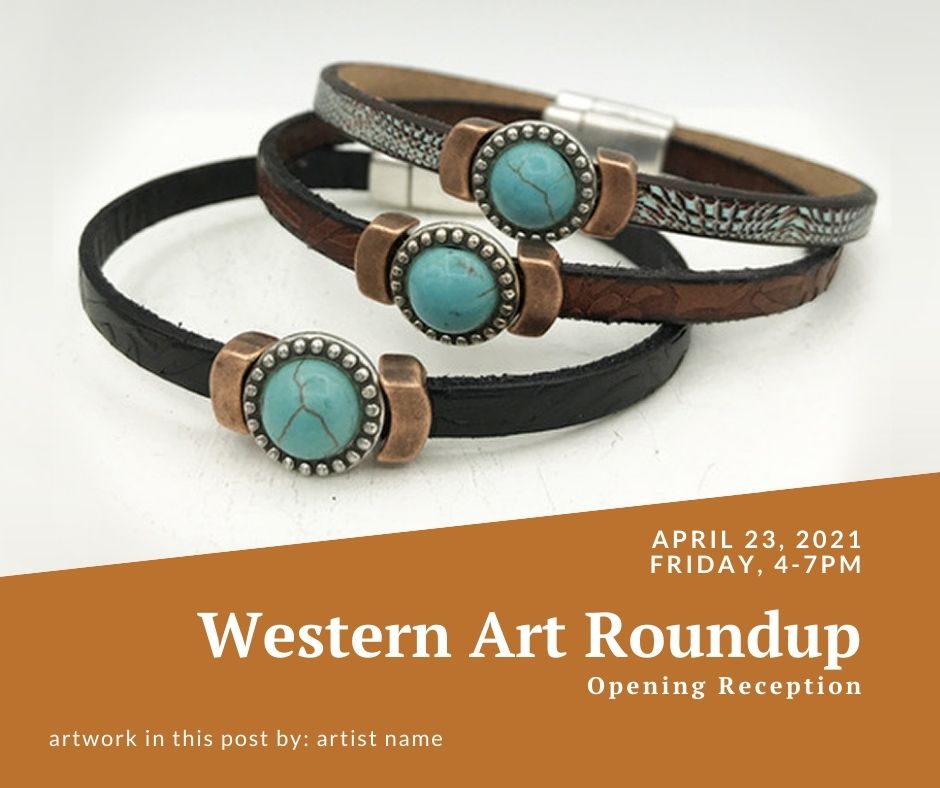
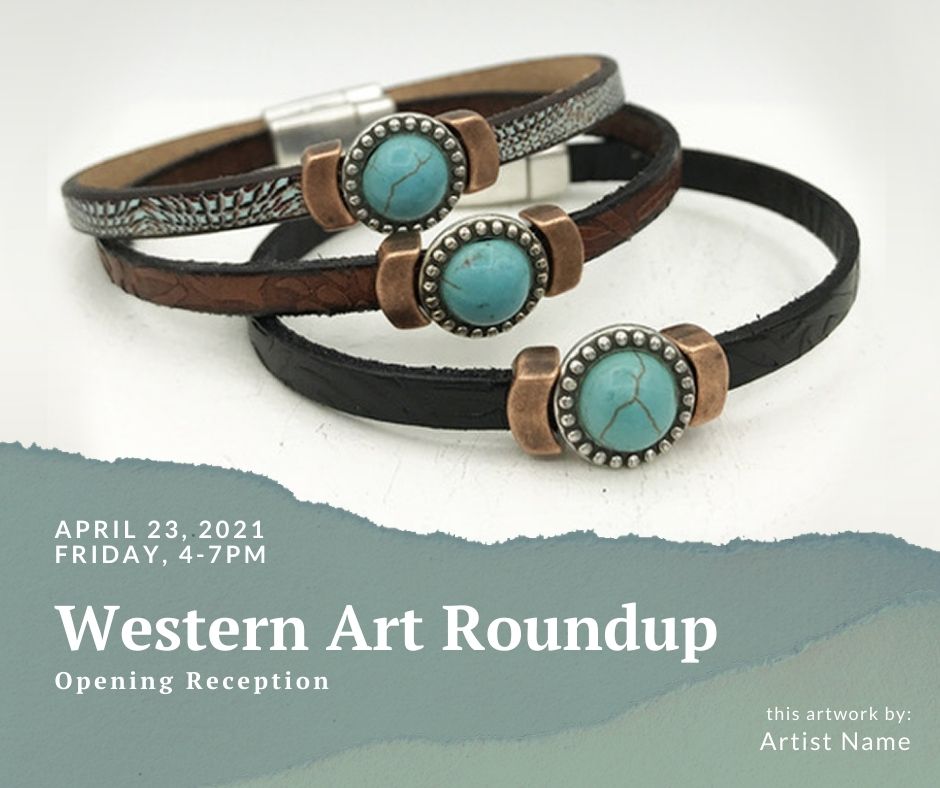
Use your images, text and colors for your post.